Smart Screen
 Smart Control made Convenient
What are Smart Screen and How do they Work?
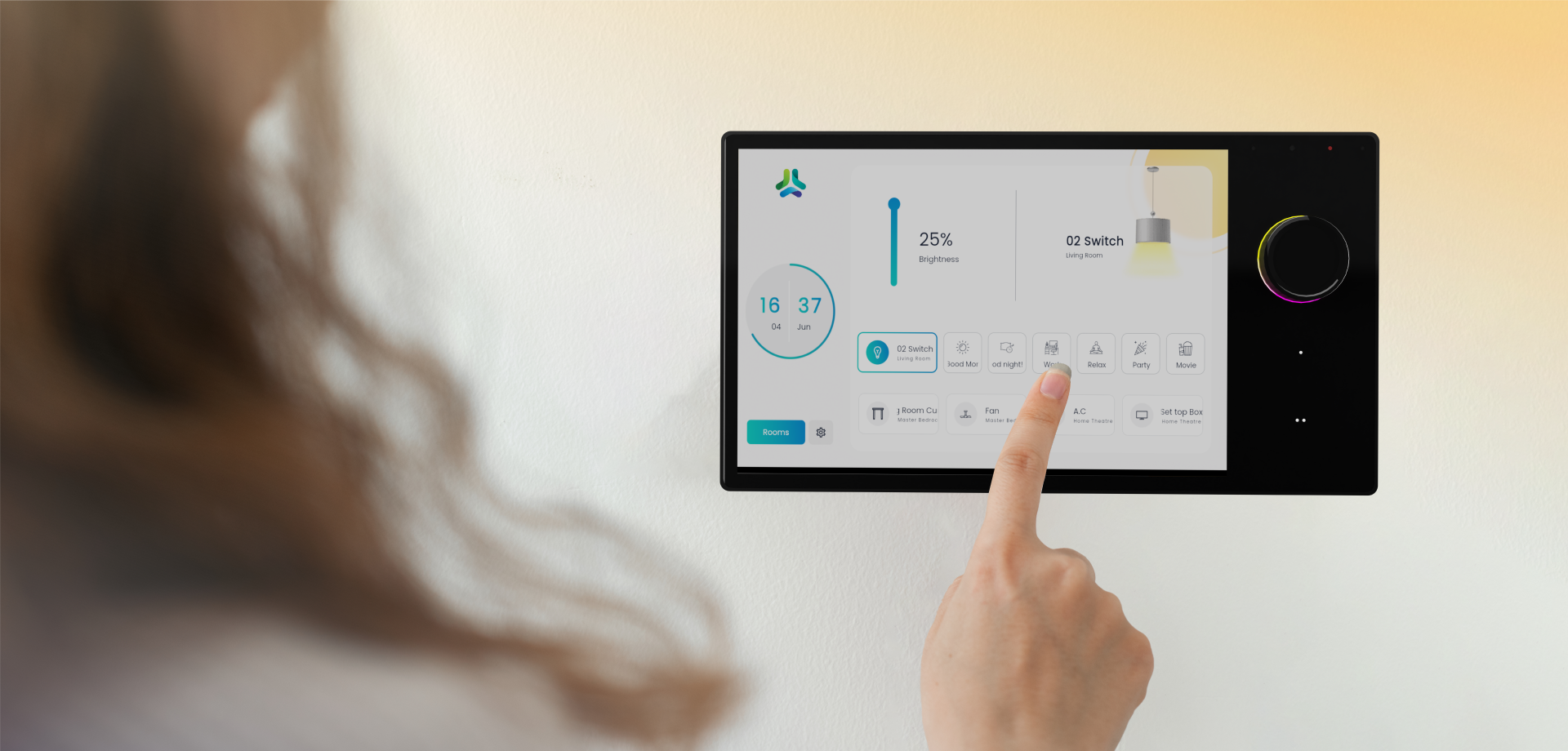
Smart screens like Homelink Lite and Homelink Pro put complete control of your home’s lighting and appliances right at your fingertips. These sleek, fixed touch screens serve as the central hub for managing your smart devices with ease.
Powered by proprietary software, these smart touchscreens make home automation seamless and convenient. From adjusting lights to controlling appliances, everything is just a tap away—simplifying how you interact with your smart home.
Turn any appliance into Smart appliance










Smart Screen Control features
 Model: Homelink Lite
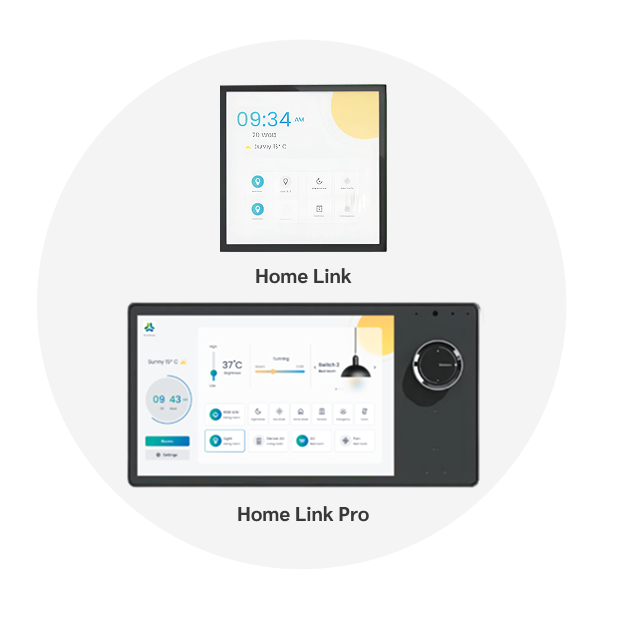
Perfect for bedrooms and personal spaces, this compact 4-inch panel gives you localised control over lights, fans, curtains and all other appliances. It’s designed to keep things simple yet efficient, allowing you to manage your environment with ease.
Download Now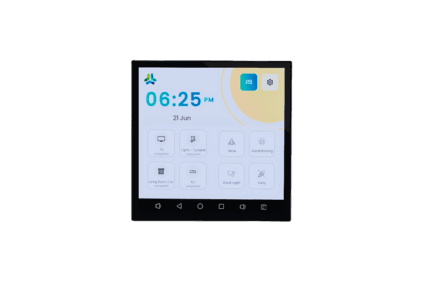
Features:

One-touch access to power any appliance, anytime.
Activate preset scenes made for you

Set AC temperature just right

Control fan speed easily

Adjust tunable lights for the mood

Dim lights smoothly for ambiance
Model: HomeLink Pro (8-Inch Touch Screen with Control Knob)
Designed as the ultimate control hub for larger spaces, it delivers a premium user experience. The smart knob enables quick, precise adjustments for lighting, fan speed, and AC temperature, making it ideal for living rooms, lounges, and office environments.
Download Now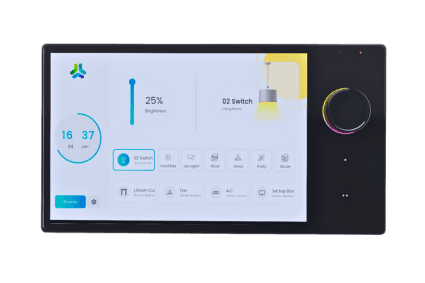
Features:
One-touch access to power any appliance, anytime.
Activate preset scenes easily
Set AC temperature just right
Control fan speed with ease
Adjust tunable lights for the mood

Dim lights smoothly for ambiance

Add third-party IP cameras to the HomeLink Pro screen
Frequently Asked Questions
What is a Smart Screen in home automation and how does it work?
A Smart Screen is a centralized touchscreen controller that lets you manage multiple smart home devices from one interface. SmartNode Smart Screens allow you to control lights, fans, curtains, air conditioners, appliances, and preset scenes without opening a mobile app. Available in Home-Link and Home-Link Pro variants, they provide a simple, intuitive, and modern home automation experience.
Which rooms or spaces are SmartNode Smart Screens best suited for?
SmartNode offers Smart Screens for different spaces and requirements. The 4-inch Home-Link is ideal for bedrooms, study rooms, and personal spaces, while the 8-inch Home-Link Pro is designed for living rooms, lounges, offices, and premium interiors where centralized control of multiple smart devices is required.
What devices can I control from a SmartNode Smart Screen?
A SmartNode Smart Screen allows you to control lighting, fans, curtains, air conditioners, appliances, dimmable lights, tunable lighting, and predefined automation scenes from one touchscreen. Home-Link Pro also supports third-party IP camera viewing, making it a complete smart home control hub for residential and commercial spaces.
How does SmartNode's Smart Screen differ from a regular wall switch or touch panel?
Unlike a standard wall switch that controls individual loads, a SmartNode Smart Screen provides centralized smart home control through an interactive touchscreen. It lets you manage multiple rooms, activate scenes, adjust lighting levels, control curtains and HVAC devices, and even view IP cameras on the Home-Link Pro—all from a single interface.
Does the SmartNode Smart Screen work without an internet connection?
Yes. SmartNode Smart Screens are designed for convenient everyday operation without relying on constant internet access. They provide local control of connected smart devices, allowing you to manage lights, fans, curtains, appliances, and scenes directly from the touchscreen while remaining fully integrated with the SmartNode ecosystem.
Have Questions?
“Let’s make a Smarter World together”
A-09-02-B, Kamdhenu Estate,
Opp. Gorwa Water Tank, Gorwa,
Vadodara, India -390016