Published on 30 Oct, 2026 | Updated on 30 Oct, 2026 | By SmartNode ⏱️ 10 min read
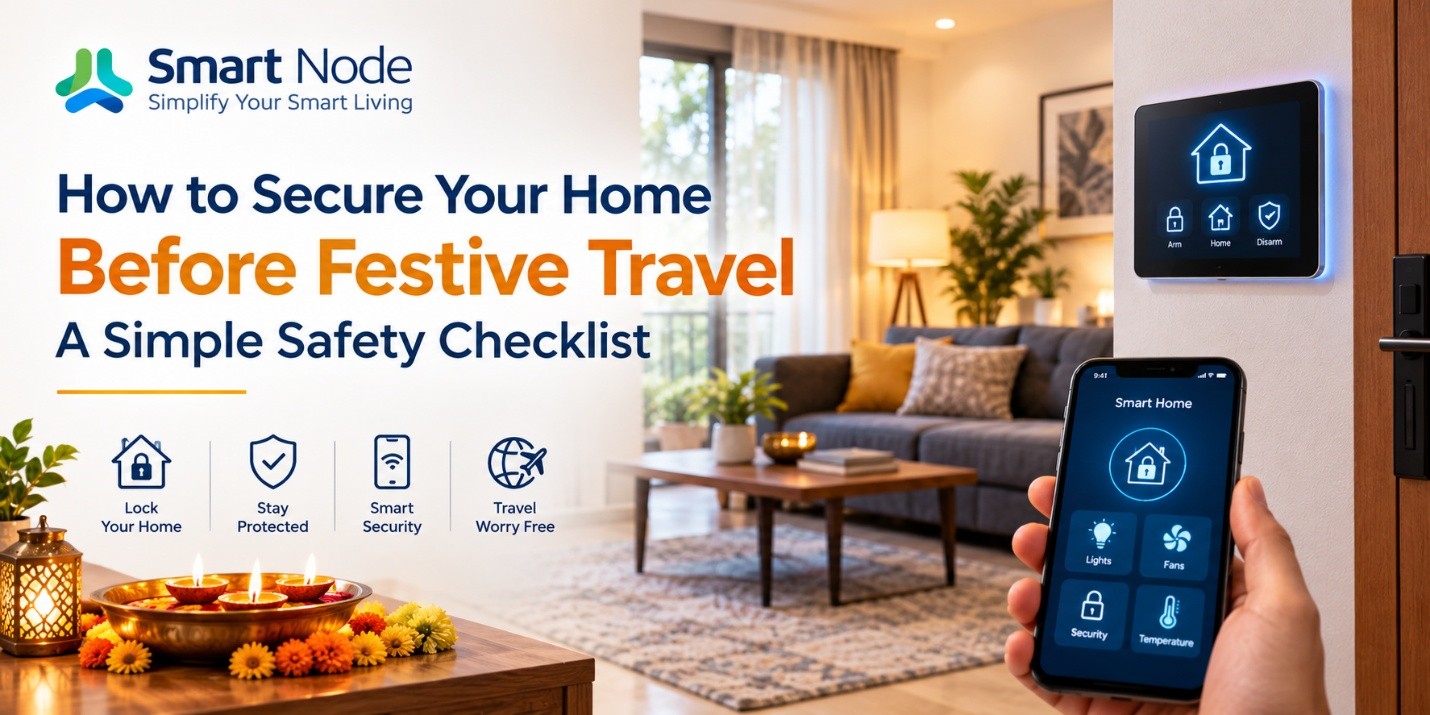
How to Secure Your Home Before Festive Travel: A Simple Safety Checklist
Festive holidays are when many Indian families finally pack their bags. Some go back to their hometown for Diwali, some visit relatives for a week, and others take a long awaited vacation. In the rush of packing, shopping and booking tickets, one thing is easy to leave for the last minute: preparing the home you are leaving behind.
The good news is that you do not need an elaborate plan. A few practical home security tips, a quick walk around the house and some help from smart home features can give you real peace of mind while you are away. This guide walks you through the checks worth doing before you lock the door.
Why Home Security Deserves Attention Before Festive Travel
During festivals, it is common for several homes in the same building or colony to be empty at the same time. Housing society staff may be on leave, deliveries pile up, and routines change for everyone.
That is why checking your home should be part of your travel preparation, just like packing and booking tickets. Most of it takes less than an hour: securing entry points, storing valuables safely, informing someone you trust and setting up a few devices to work while you are gone.
These steps are useful not only for Diwali but for any trip, whether it is a summer vacation, a family wedding or an extended visit to your parents.
7 Essential Home Security Checks Before You Leave
1. Check Every Door, Window, and Entry Point
Start with a slow walk around your home. Check the main door, back door, balcony doors, windows, ventilators and any service entrance. Make sure every lock turns smoothly and every latch closes fully.
Pay extra attention to entry points people tend to forget, like a utility area window in an apartment or a terrace door in an independent house. If a lock feels loose or a grill is damaged, get it repaired before you travel.
Smart door locks for home can add convenient access control to your main door, but they work alongside, not instead of, securing every other door and window.
2. Keep Valuables and Important Documents Secure
Before leaving, put jewellery, cash and important documents such as property papers, passports and cheque books in a secure place, like a home safe or a bank locker.
Also look at what is visible from outside. Laptops, expensive electronics or jewellery boxes placed near a window or on a balcony are better moved out of sight. Keeping valuables secure is about where you store them; no automation system can protect them on its own.
3. Arrange for Someone You Trust to Check Your Home
Tell a trusted neighbour, relative or your apartment security team when you will be away. Someone nearby can notice unusual activity, collect a parcel left at the door, or spot a problem like a water leak before it gets worse.
In gated communities, informing the security desk or society office is a simple, practical step. In some cities, local police also let residents inform them about a locked house; it is worth checking with your nearest police station.
Share emergency contact details and a spare key, if needed, only with people you trust completely.
4. Plan Your Home Lighting While You’re Away
A home that stays completely dark for days can be noticeable, especially in a busy neighbourhood. A simple solution is to plan your lighting before you leave.
With a lighting schedule, which is a set time for selected lights to switch on and off automatically, you can keep your entrance, porch or one living room light working on a regular routine. Consider keeping entrances, staircases and outdoor areas reasonably lit in the evening so they do not look abandoned.
5. Check Your Home’s Cameras and Security Equipment
If you have CCTV cameras, a video door phone or an alarm system, test them a day or two before you leave. Check that:
- Each camera has power and a clear view
- The recorder or memory card has enough storage space
- Remote viewing works on your phone, if your system supports it
Cameras help you keep an eye on your home and can be useful if something needs to be reviewed later. However, they assist with monitoring; they cannot guarantee that an incident will not happen.
6. Switch Off Unnecessary Appliances and Check Utilities
Unplug appliances you will not need, such as the TV, microwave, geyser, washing machine and chargers. Close taps properly and consider turning off the main water valve if no one will be checking the house.
For gas connections, follow your gas supplier’s safety guidance, which usually means closing the regulator on your cylinder or the valve on your piped gas line.
Remember that some equipment needs to stay on. Your CCTV system, alarm, smart lock hub and internet router may need power and connectivity for remote access to work.
7. Be Careful About Sharing Your Travel Plans Publicly
It is natural to want to share holiday photos, but posting your exact departure date or how long your home will be empty on public social media is best avoided.
Consider sharing travel updates privately with family and close friends, and posting photos after you return. You can still enjoy your trip and share memories, just with a little more thought about timing.
How Smart Home Features Can Help While You’re Travelling
Manage Home Access with a Smart Door Lock
A smart door lock lets you unlock the door using keyless methods like fingerprint, PIN code, RFID card or a phone app, depending on the model. This means fewer physical keys to hand over or worry about losing.
Some smart locks also offer access history, which is a record of when the lock was opened and by which method, and temporary access, such as a one time PIN for a relative watering your plants. Whether you can lock or unlock the door remotely depends on the lock’s connectivity and supported features, so check what your specific model offers.
Use Lighting Schedules for Selected Areas
Scheduled lights help keep useful lighting around your home when nobody is there. For example, you could set the entrance light to switch on at 6:30 pm and off at 11 pm, and a living room light to follow a similar evening routine.
This keeps walkways and entrances lit and gives the home a more regular appearance. It is a helpful addition to your routine, though lighting alone cannot prevent a break in.
Check and Control Compatible Devices Remotely
With a smartphone app, you can operate supported connected devices while you are away. You might switch a light on or off, adjust a schedule if your return is delayed, or check whether a device was left on.
Remote control usually needs your home to have power and an active internet connection, so keep your router powered and check your connection before leaving.
What Should You Do if You’re Away for Several Days?
For longer trips, a little extra planning helps:
- Arrange periodic checks. Ask a trusted person to visit every few days, check the doors and look for leaks or other issues.
- Pause regular deliveries. Stop the newspaper and milk delivery, and ask a neighbour to collect parcels so nothing piles up at your door.
- Keep emergency contacts handy. Save numbers for your society office, a trusted neighbour, a local electrician or plumber and the nearest police station on your phone.
- Confirm power and connectivity. Make sure your cameras, router and other connected security equipment will stay powered. If your area has frequent power cuts, check whether an inverter or UPS covers them.
Your Final Home Safety Checklist Before Leaving
Keep this home safety checklist handy and run through it before you step out:
- Main doors, windows and balcony access are secured
- Valuables and important documents are stored safely
- Unnecessary appliances and utility connections have been checked
- Security cameras and alarms, if installed, are working
- Smart lighting schedules, if used, are set correctly
- Smart locks and their access features have been checked
- A trusted contact has your emergency details
- Deliveries and other signs of a long absence are managed
- Public travel posts have been thought through
Make Home Access and Control Simpler with Smart Node
Smart Node is a home automation brand that offers solutions for connected home control, including smart door locks, smart lighting control and app based operation of supported devices.
These features fit naturally into an existing home security routine. A smart lock makes access easier to manage, lighting schedules keep selected areas lit on time, and the app lets you check and control compatible devices from wherever you are. They work best alongside strong physical locks, cameras and the people you trust to keep an eye on your home.
Explore Smart Node’s smart door locks and home automation solutions for convenient home access and control.
Frequently Asked Questions
1. How can I secure my home before going on holiday?
Check that all doors, windows and balcony access are locked, store valuables safely, unplug unnecessary appliances and inform a trusted neighbour or your society security. Setting lighting schedules and testing your cameras before you leave can also help you feel more prepared while you are away.
2. What should I check before leaving my home unattended for several days?
Check every entry point, store valuables securely, turn off water and gas as advised, and pause deliveries. Ask someone you trust to visit periodically. Also confirm that cameras, your router and any connected security devices will stay powered throughout your trip.
3. Are smart door locks useful when travelling?
Yes, they can be. Smart door locks reduce the need for physical keys and, depending on the model, may offer temporary PINs or access history. Remote locking and unlocking is only available on locks that support it, so check your specific lock’s features.
4. Can I control my home lights while travelling?
Yes, if your lights are connected to a smart lighting system with app control. You can switch lights on or off and change schedules from your phone. This needs power at home and an active internet connection for remote access to work.
5. Do smart home security features work without the internet?
Some do. Smart locks usually still open with fingerprint, PIN or card without internet, and saved schedules may continue to run depending on the system. However, remote control, notifications and live camera viewing generally need an active internet connection.
6. Should I leave some lights on when my home is empty?
Keeping one light on all day and night can look unnatural and wastes electricity. A better option is to schedule selected lights, like the entrance or a living room light, to switch on in the evening and off later at night, similar to a normal routine.
Related Blogs
17 Oct, 2026
Blog
Upgrade Your Home This Diwali with Smart Home Devices
Diwali changes the way a home is used. The living room stays active…
16 Oct, 2026
Blog
Smart Door Lock & Security Systems Guide
A door lock has one job: control who gets through the door. For…
15 Oct, 2026
Blog
Complete Guide About RGBW Controllers: Types & Features
Colour-changing lighting can completely alter the character of a space. The same room…