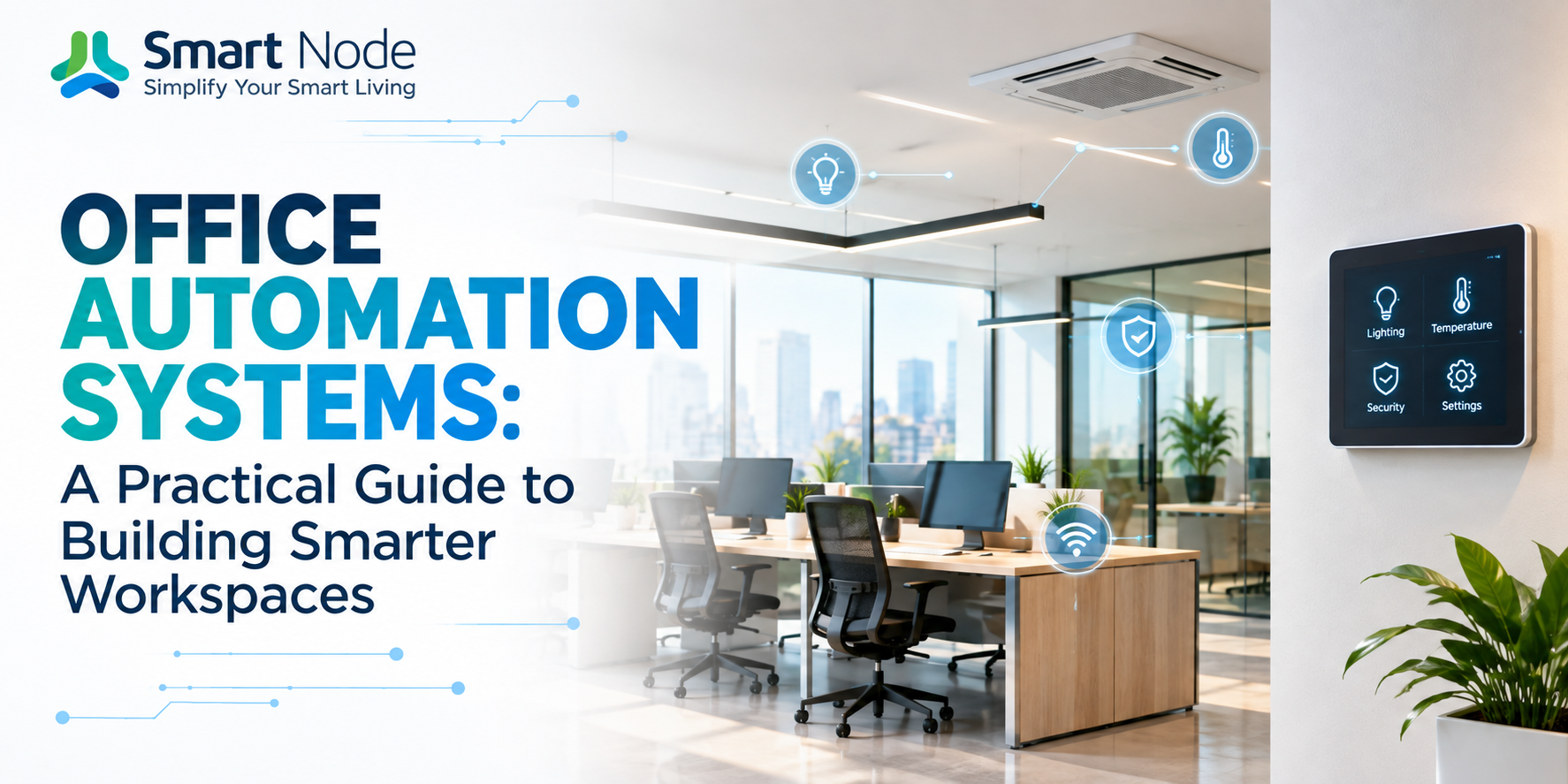
Published on 12 Oct, 2026 | Updated on 13 Oct, 2026 | By SmartNode ⏱️ 12 min read
Office Automation Systems: A Practical Guide to Building Smarter Workspaces
An office usually reveals how it is managed within the first few minutes. Lights stay on in empty rooms. Air conditioning runs before anyone arrives. Meeting rooms need to be configured manually. Someone keeps a list of who has access to which space. At the end of the day, another person has to walk around checking whether everything has been switched off.
None of these tasks is particularly difficult. The problem is that they happen every day.
Office automation changes that equation by allowing the workplace to respond to occupancy, schedules, access permissions and predefined conditions instead of depending entirely on people to operate it.
For a business in India, that distinction becomes even more relevant. Offices are constantly changing, teams expand, workstations move, meeting rooms get repurposed and working hours are rarely as predictable as they used to be. A well-designed automation system should therefore do more than put controls on an app. It should make the building itself more responsive.
What Does Office Automation Actually Mean?
Office automation is the integration of different building functions into one coordinated control system. Lighting, curtains, air conditioning, access control, meeting rooms, sensors and other electrical systems can communicate with a central automation platform. Depending on the setup, these systems can then be controlled manually, scheduled in advance or triggered automatically by specific conditions.
Consider a meeting room. Without automation, someone may need to:
- Switch on the lights
- Adjust the AC
- Close the curtains
- Start the display
- Configure the room before the meeting begins
With automation, the room can have a predefined Meeting Mode. One command can bring the room into the required state. A scheduled meeting can trigger the environment automatically, while occupancy sensors can prevent unnecessary energy consumption when the room is vacant.
That is the real purpose of automation: coordinating several ordinary systems so they behave like one intelligent environment.
An Office Is Not a Home, And Its Automation Shouldn’t Be Either
The technology behind home and office automation may overlap, but the requirements are considerably different. A home might have a few occupants and a relatively predictable routine. An office can have hundreds of users, multiple departments, different access permissions, several floors and rooms that operate according to completely different schedules.
A facility manager may need to control an entire floor while an employee should only have access to the spaces relevant to them. A housekeeping team may require temporary access to certain rooms. A meeting room may need different lighting and climate settings depending on whether it is being used for a presentation, a video conference or a regular discussion.
This is why commercial automation needs to be designed around zones, permissions, schedules and centralized management, rather than simply adding smart controls to individual devices.
What Actually Sits Inside an Automated Office?
There isn’t one device that makes an office automated. It is the interaction between multiple layers of hardware and software.
Lighting
Lighting automation can combine switches, dimmers, occupancy sensors and schedules. A workspace can respond differently during working hours, presentations, breaks or after-hours operation. Lights can also be turned off automatically when a zone remains unoccupied. The objective isn’t simply to make lights controllable from a phone. It is to make lighting behave according to how the space is being used.
HVAC
Temperature control becomes considerably more useful when it is connected to occupancy and scheduling. Different zones can follow different operating schedules rather than conditioning the entire office in the same way throughout the day. For larger workplaces, this can also provide facility teams with greater visibility into how spaces are being used.
Access Control
Keys are a poor fit for offices where people join, leave, work remotely or require temporary access. Digital access systems can allow administrators to create, modify or revoke permissions without physically replacing anything. Depending on the system, access can be assigned to individuals, departments or specific time periods.
Meeting Rooms
Meeting rooms are among the easiest places to notice the difference automation makes. A single scene can coordinate lighting, curtains, displays and other connected equipment. Instead of preparing the room manually every time, the environment can be brought into a predefined state with one action.
Sensors
Sensors provide the information that allows automation to make decisions. Occupancy, motion, temperature, light levels and other environmental inputs can become triggers for different actions. Without sensors, automation is largely about remote control. With sensors, it becomes responsive.
The Most Important Question: Wired or Wireless?
This is where office automation becomes a practical infrastructure decision rather than simply a technology purchase.
Wired Automation
Wired systems can be extremely robust and are often considered during new construction or major commercial fit-outs. The limitation becomes obvious in an already operational office. Adding new cabling may involve opening walls, modifying electrical infrastructure or coordinating installation around working hours. For a business that cannot afford significant disruption, this can become a major consideration.
Wireless Retrofit Automation
Wireless systems take a different approach. Instead of rebuilding the electrical infrastructure, retrofit devices can be integrated with the existing switchboards and wiring. This makes them particularly relevant for:
- Existing corporate offices
- Leased commercial spaces
- Coworking environments
- Renovated offices
- Branch offices
- Businesses upgrading gradually rather than all at once
The important distinction is not simply wireless versus wired. It is whether the technology fits the building you already have.
What Happens When the Internet Goes Down?
This is a question that should be asked before purchasing any automation system. A building should not suddenly become dependent on an external internet connection just to switch on its lights.
A well-designed system should distinguish between local automation and cloud-based functions. For example, a local network can continue handling essential device communication and predefined automation rules, while cloud connectivity can be used for remote access, notifications, account management or other external services.
When evaluating a provider, ask a simple question: “What continues to work if the internet connection disappears?” The answer tells you considerably more about the architecture of the system than a list of app features does.
Automation Is Also About What the Office Doesn’t Do
One of the biggest advantages of automation is often invisible. A light that doesn’t switch on unnecessarily doesn’t attract attention. An AC unit that doesn’t condition an empty meeting room isn’t noticed. A door that automatically grants the right person access simply works.
This is where automation can influence operating efficiency. Instead of depending on employees to remember hundreds of small actions throughout the day, the system can handle predictable tasks automatically. For facility teams, that can mean fewer repetitive checks and greater visibility into the building.
The Data Behind the Building
Modern automation can provide another layer that traditional electrical systems cannot: information. Occupancy patterns can reveal which meeting rooms are consistently used and which remain empty. Schedules can show when different zones are active. Energy-related information can help identify areas where equipment is operating unnecessarily.
Over time, this data can support decisions about workspace planning, operating schedules and infrastructure. The important point is that automation doesn’t just control the building. It can also help you understand the building.
How Different Offices Can Use Automation
There is no universal automation package for every commercial space.
Small Offices
A smaller office may only need automated lighting, access control, meeting room scenes and scheduling. The emphasis is usually on simplicity rather than a large facility-management platform.
Corporate Offices
Larger workplaces can benefit from centralized control, multiple zones, user permissions, scheduling and monitoring across floors. Here, scalability becomes important. Adding another floor should not require rebuilding the entire system.
Coworking Spaces
Coworking environments introduce another requirement: different users need different levels of control. One tenant may need access to a particular workspace, while facility staff require broader permissions. Automation can make these permissions configurable instead of dependent on physical keys or manual intervention.
Meeting and Experience Spaces
Showrooms, boardrooms and experience centers often need carefully controlled environments. Lighting scenes, curtains, displays and other systems can be coordinated to create repeatable settings for presentations, demonstrations and client meetings.
What Should You Check Before Choosing a System?
The most useful questions are not necessarily the ones found on a product brochure. Ask about the actual building:
Can it work with the existing electrical infrastructure?
This matters enormously in a retrofit project.
What happens without internet connectivity?
Understand which functions remain operational locally.
How are users and permissions managed?
An office shouldn’t give every employee the same level of control.
Can the system expand later?
A five-room installation today may become a three-floor installation later.
What happens when something fails?
Ask about diagnostics, warranty, replacement procedures and after-sales support.
Can different systems work together?
A useful automation platform should not force every building function into an isolated ecosystem if integration is required.
And perhaps the most important question: Who will support the system after installation? Automation becomes part of the building infrastructure. The relationship with the technology provider therefore doesn’t end when installation is completed.
How Much Does Office Automation Cost in India?
There is no meaningful single price for office automation. The final investment depends on several variables:
- Office size
- Number of zones
- Number of controlled circuits
- Lighting requirements
- HVAC integration
- Access control
- Meeting room automation
- Sensors
- Wired or retrofit architecture
- Number of users
- Level of centralized control
A retrofit project can have a very different cost structure from a new-build office because much of the existing electrical infrastructure can potentially be retained. Rather than comparing providers purely on the initial quotation, compare what is actually included in the system. Two proposals with similar prices can represent very different levels of automation, hardware, integration and support.
Where Smart Node Fits In
At Smart Node, the approach to office automation is built around a simple practical consideration: automation should adapt to the space, not force the space to adapt to automation.
For existing offices, retrofit-friendly wireless solutions can reduce the need for major electrical modifications. Lighting, curtains, access and other connected functions can be brought together into a unified automation ecosystem, allowing businesses to introduce automation without treating every project like a complete building reconstruction.
For facility teams, centralized control provides a way to manage connected spaces more efficiently. For employees, the difference is simpler: fewer things to operate manually. And for businesses, the objective is not to make the office look futuristic. It is to make the infrastructure work better.
Building an Automated Office: Start With the Workflow
The right starting point isn’t a shopping list of devices. Walk through the office and observe what happens during a normal day:
- What gets switched on every morning?
- Which rooms remain unused for long periods?
- Who controls access?
- What happens when a meeting begins?
- Which systems require someone to physically check them?
- What gets forgotten at the end of the day?
These answers reveal where automation can actually create value. From there, the system can be designed around real workflows rather than adding technology simply because it is available.
That distinction matters. A smart office isn’t one with the most devices. It is one where the right systems respond at the right time, with as little unnecessary human intervention as possible.
The Future of the Office Is Less About “Smart” and More About Responsive
The next generation of offices won’t necessarily be defined by the number of devices installed inside them. It will be defined by how naturally the infrastructure responds to the people using it.
- Lights that understand occupancy
- Rooms that prepare themselves
- Access that changes with permissions
- Spaces that stop consuming energy when nobody is there
- Facility teams that can see what is happening without physically checking every room
That is where office automation becomes more than convenience. It becomes part of the infrastructure that makes a workplace function.
Smart Node helps businesses bring that intelligence into existing and new commercial spaces through retrofit-friendly automation designed around real workplace requirements. If you’re ready to explore office automation tailored to your workspace, explore our office automation solutions or get in touch with our team to plan your setup.
Frequently Asked Questions
1. Can office automation be installed without rewiring?
Yes. Retrofit-oriented systems can be designed to work with existing electrical infrastructure, depending on the building and the functions being automated. This can significantly reduce disruption compared with a full wired installation.
2. Will the automation work if the internet stops?
That depends on the system architecture. Some automation functions can operate locally over the building’s network, while cloud-dependent functions may require internet connectivity. This should be confirmed with the provider before installation.
3. Can existing switches and lights be automated?
In many retrofit applications, automation modules can be integrated with existing switchboards and electrical circuits. Compatibility depends on the specific load, wiring configuration and automation hardware.
4. Can employees have different access permissions?
Yes. Commercial automation platforms can support different user roles and permissions, allowing administrators to control who can operate specific devices, rooms or functions.
5. Can automation be expanded later?
A properly designed system should allow additional rooms, zones and devices to be added as the business grows. Scalability should therefore be evaluated before selecting the initial architecture.
6. Does office automation reduce energy consumption?
It can. Automation can reduce unnecessary operation by using occupancy-based control, schedules and centralized management. The actual savings depend on the building, existing operating practices and how the system is configured.
7. Is wireless automation reliable for commercial spaces?
Wireless automation can be suitable for commercial environments when the network architecture, device communication and local control strategy are properly designed. The right solution depends on the size and requirements of the office.
Related Blogs
17 Oct, 2026
Blog
Upgrade Your Home This Diwali with Smart Home Devices
Diwali changes the way a home is used. The living room stays active…
16 Oct, 2026
Blog
Smart Door Lock & Security Systems Guide
A door lock has one job: control who gets through the door. For…
15 Oct, 2026
Blog
Complete Guide About RGBW Controllers: Types & Features
Colour-changing lighting can completely alter the character of a space. The same room…