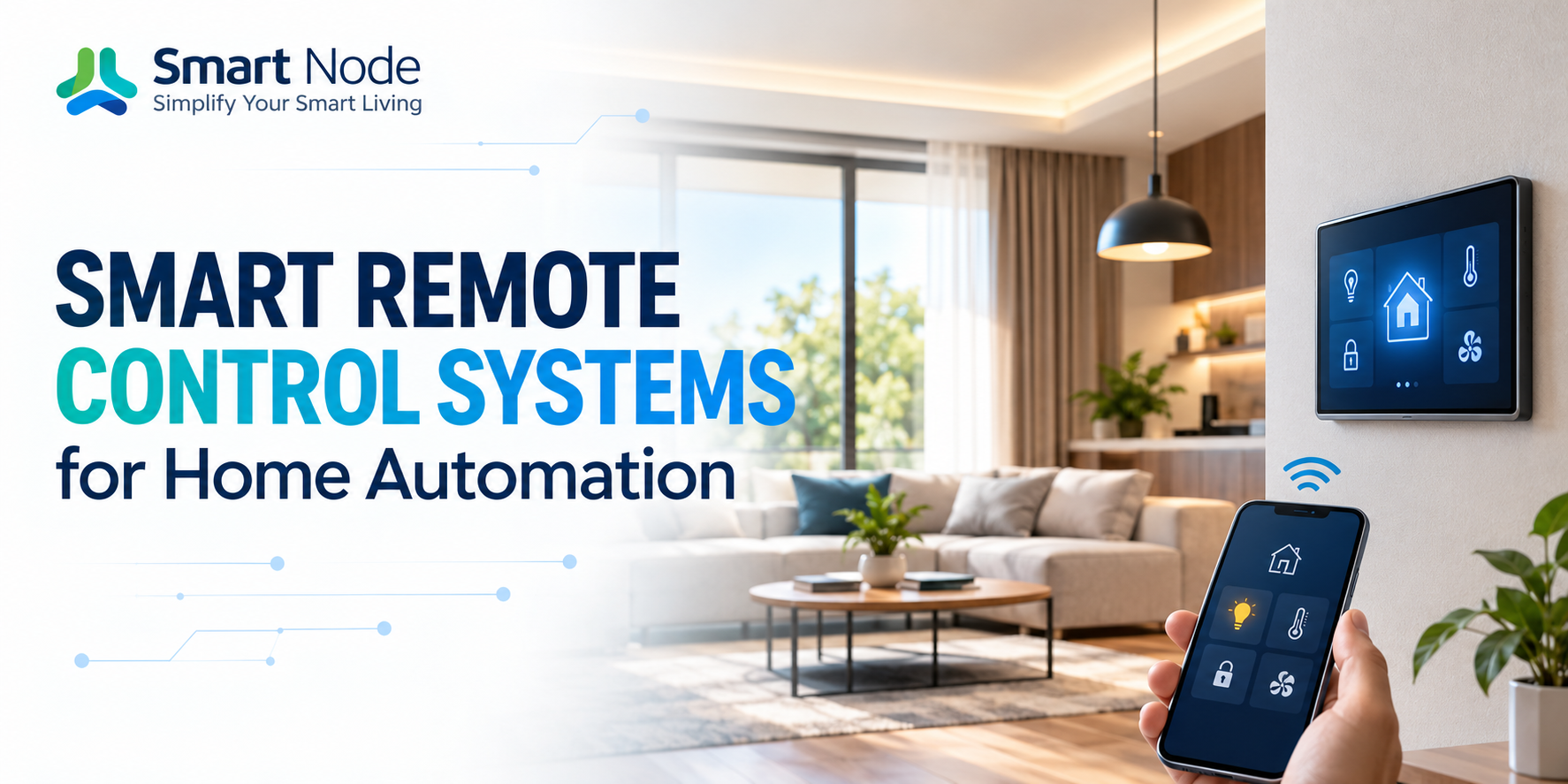
Published on 09 Oct, 2026 | Updated on 09 Oct, 2026 | By SmartNode ⏱️ 10 min read
Smart Remote Control Systems for Home Automation
A modern living room can have a surprising number of remotes. One for the television. Another for the set-top box. Another for the sound system. Then there is the air conditioner remote sitting somewhere nearby, usually when nobody remembers where it was last kept.
The problem isn’t that these devices are difficult to operate individually. It is that every device has its own control system.
A smart remote control brings some of these functions together. Instead of treating every infrared-controlled appliance as a completely separate device, a smart remote system can act as a common control layer for compatible equipment. That makes everyday actions simpler—and it opens up something a conventional remote cannot easily provide: automation.
Turn on the TV, switch the set-top box to the required input and adjust the AC without reaching for three different remotes. Or create a scene that prepares the room for movie night with one command. That is where smart remote control moves from convenience to home automation.
What Is a Smart Remote Control System?
A smart remote control system is a connected device or control platform that allows compatible appliances to be operated through a centralized interface. Traditional remotes generally communicate directly with one appliance using infrared or another device-specific protocol.
A smart remote can sit between the user and several appliances, receiving commands from a mobile application, automation system or other supported interface and transmitting the appropriate command to the connected device.
A smart TV remote is a familiar example, but the concept doesn’t have to stop at television control. Depending on compatibility, a smart remote system can bring together televisions, air conditioners, set-top boxes, audio equipment and other remotely controlled appliances.
The important distinction is that the smart remote isn’t necessarily replacing the original hardware inside the appliance. It is creating another way to communicate with it.
Why Use a Smart Remote Instead of Multiple Remotes?
Multiple remotes work until you need to remember which one controls what. A smart remote reduces that friction by putting supported controls in one place.
For example, a living room could have separate controls for the TV and AC. A centralized smart remote system can make both available through a common interface. It also makes automation possible.
Instead of manually performing a series of actions, a scene can combine them. Movie Mode could turn on the television, select the required source and set the AC to a preferred temperature. The exact functions depend on the connected devices, but the principle remains the same: one command can replace several individual actions.
How Does a Smart Remote Control Work?
Most smart remote systems rely on communication methods supported by the devices they control. Many conventional home entertainment products use infrared. The smart remote receives a command from the app or automation system and sends the corresponding infrared signal toward the appliance.
This is why placement matters. The remote device needs to be positioned appropriately for infrared-controlled equipment, or the system needs to use another supported communication method. Some appliances may communicate through Wi-Fi, Bluetooth or other protocols instead.
The smart remote therefore acts as a translator between the automation system and the appliance. A user presses one command. The automation system determines what should happen. The smart remote sends the appropriate control signal, and the appliance responds—all within seconds.
Smart TV Remote: More Than Changing Channels
Television is one of the most obvious applications for a smart remote. A conventional smart TV remote can already provide extensive control over a television. But integrating the TV into a broader automation setup changes what the remote can do.
Instead of treating the television as an isolated device, it can become part of a room scene. For example, a movie scene could:
- Turn on the television
- Select the required source
- Adjust compatible audio equipment
- Set the room’s lighting
- Adjust the AC
The television is no longer just being controlled. It becomes one part of the room’s overall behaviour. This is particularly useful in dedicated media rooms and living spaces where several devices are used together.
Air Conditioner Smart Remote Control
Air conditioners are another common source of remote clutter. An air conditioner smart remote can provide a digital control layer for compatible AC units, allowing users to manage functions such as power, temperature and operating modes through the supported automation interface.
The real advantage appears when AC control is combined with other functions:
- A Good Night scene could turn off entertainment equipment and adjust the AC to a predefined setting.
- A Welcome Home scene could prepare the room before the occupants settle in.
Again, the available commands depend on the AC model and its supported control method. A smart remote should therefore be selected based on actual appliance compatibility rather than assuming universal control.
Smart Remote Control vs. Conventional Remote
A conventional remote is designed around one appliance. A smart remote control system is designed around the experience of operating several devices. That difference is subtle but important.
With separate remotes, the user thinks in terms of devices:
- “Turn on the TV.”
- “Change the AC.”
- “Adjust the sound system.”
With automation, the user can think in terms of activities:
- “Movie time.”
- “Good night.”
- “Leave home.”
Those commands can trigger multiple actions when the connected equipment supports them. The result is less about adding technology and more about reducing the number of individual actions required.
How Smart Remote Systems Fit Into Home Automation
A smart device for home automation becomes more useful when it doesn’t operate in isolation. A smart remote can become one layer within a larger ecosystem alongside lighting, curtains, climate control and other connected devices.
Consider a living room in the evening:
- The curtains close
- The lights dim
- The television switches on
- The AC moves to the preferred setting
With conventional controls, those are separate actions. With a properly configured automation system, they can become one scene. This is where remote control and automation start to overlap. The remote isn’t simply giving you another way to press buttons. It is allowing the appliance to participate in a larger sequence.
What Can You Control With a Smart Remote?
The answer depends on the smart remote system and the appliances being integrated. Common applications can include:
Televisions
Power, channel, volume, input selection and other supported functions can be brought into the automation interface.
Air Conditioners
Compatible systems may allow control of power, temperature and operating modes.
Set-Top Boxes
Channel and playback controls can be integrated alongside television commands.
Audio Systems
Compatible speakers, amplifiers and home theatre equipment can potentially be incorporated into entertainment scenes.
Other Infrared Devices
Some systems can learn or reproduce commands from compatible infrared remotes. The exact capability should always be checked against the appliance and remote system before installation.
App-Based Smart Remote Control
One advantage of connected remote systems is that physical remotes don’t have to be the only interface. A mobile application can provide access to supported controls from a single screen. This can be particularly useful when several devices are being managed together.
Instead of searching for the correct remote, the user can open the automation app and access the relevant controls. It can also make remote access possible where the system and appliance support it. That means the smart remote becomes less of a physical accessory and more of a software-controlled gateway between the user and the appliance.
Scenes Make Smart Remote Control More Useful
The most useful automation often happens when the user doesn’t have to control each appliance separately. Consider a few everyday scenes:
Movie Scene
Television on. Selected lights dimmed. Curtains closed. AC set to the preferred level.
Morning Scene
Curtains open. Selected lights activate. Entertainment equipment remains off.
Good Night Scene
Television and selected equipment switch off while the connected AC or other devices move to their required settings.
These scenes can be triggered through supported applications, keypads, voice assistants or other control interfaces. The exact combination depends on the devices integrated into the system.
Choosing the Right Smart Remote Control
Before buying a smart remote control, look beyond the number of appliances listed on the box. First, check compatibility: does it support your television model, your AC, your set-top box, and your audio equipment?
Then consider how you want to control it. Will you mainly use a mobile application, physical keypad, voice assistant or scenes? Placement is also important for infrared-based devices, which require a suitable line-of-sight to communicate with the appliances they control.
Finally, consider whether you want a standalone remote or one that can become part of a broader home automation system. If the objective is simply replacing several remotes, a standalone solution may be enough. If you want your TV, AC, curtains and lighting to work together, integration becomes much more important.
Smart Remote Control for Retrofit Homes
One of the useful aspects of smart remote systems is that they can be introduced without replacing the appliances themselves. You don’t necessarily need a new television or AC just because you want automation.
If the existing appliance uses a compatible control method, the smart remote can provide a new control layer around it. That makes remote automation particularly relevant for retrofit projects. Instead of rebuilding the room, you can upgrade how the existing equipment is controlled.
Frequently Asked Questions
1. What is a smart TV remote?
A smart TV remote is a connected control interface for compatible televisions. When integrated with a broader automation system, the TV can also become part of scenes involving lighting, curtains, AC and other devices.
2. Can one smart remote control both TV and AC?
Yes, a compatible smart remote system can control multiple appliances, including televisions and air conditioners. Compatibility and available functions depend on the specific appliances and communication methods.
3. What is an air conditioner smart remote?
An air conditioner smart remote provides another way to control a compatible AC through a connected automation system. Depending on the model, functions may include power, temperature and operating modes.
4. Do smart remotes work with old appliances?
They can work with many older appliances that use compatible infrared control, but this is not guaranteed. Compatibility should be checked for the specific appliance before installation.
5. Can a smart remote become part of a complete home automation system?
Yes. When supported, a smart remote can be integrated with other automation functions such as lighting, curtains and scenes, allowing several devices to respond to one command.
Related Blogs
09 Oct, 2026
Blog
Smart Power & Socket Automation Guide
A socket is easy to ignore until you start thinking about everything connected…
09 Oct, 2026
Blog
Office Automation Systems: A Practical Guide to Building Smarter Workspaces
An office usually reveals how it is managed within the first few minutes.…
09 Oct, 2026
Blog
Lighting Control Systems: Types, Benefits & Applications
Lighting is usually planned room by room. A switch is placed near the…